
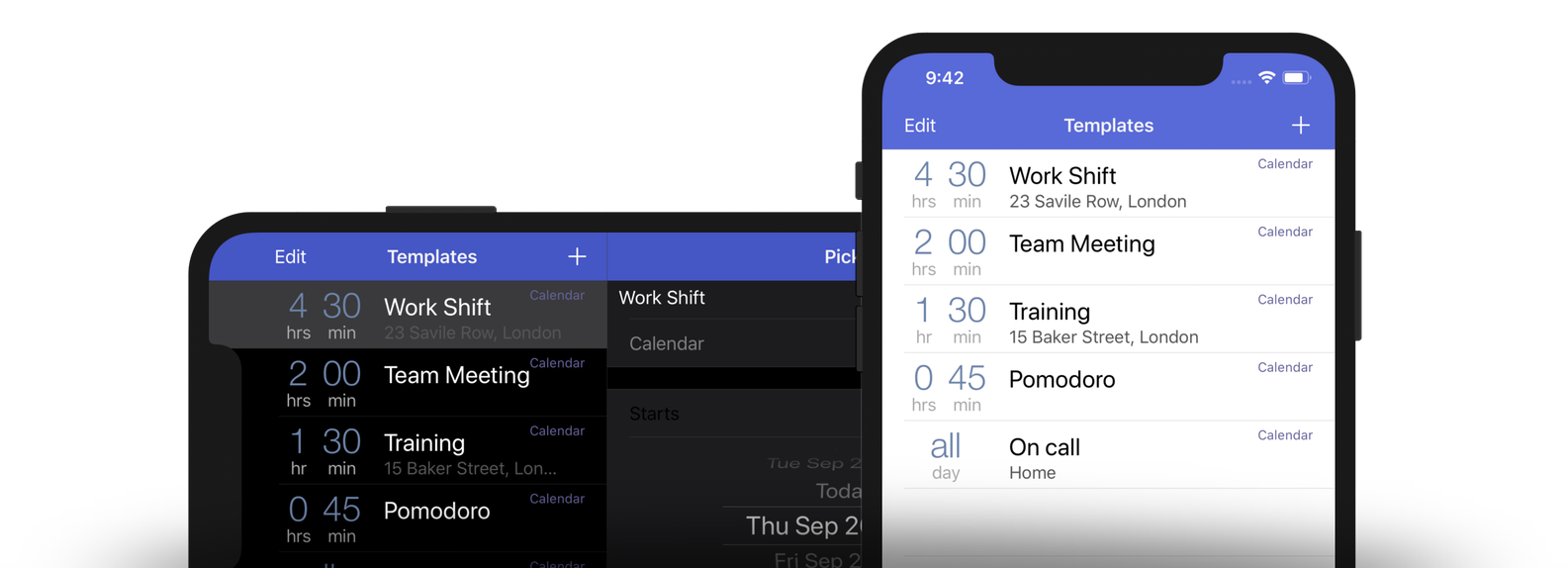
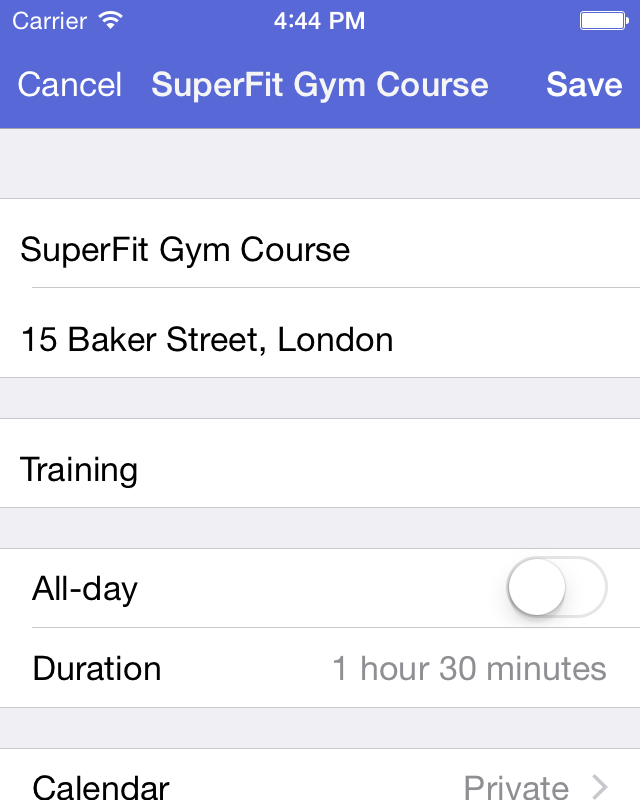
1. Create Once
Prepare irregularly recurring events or just create templates to stop repeating yourself all the time all the time.
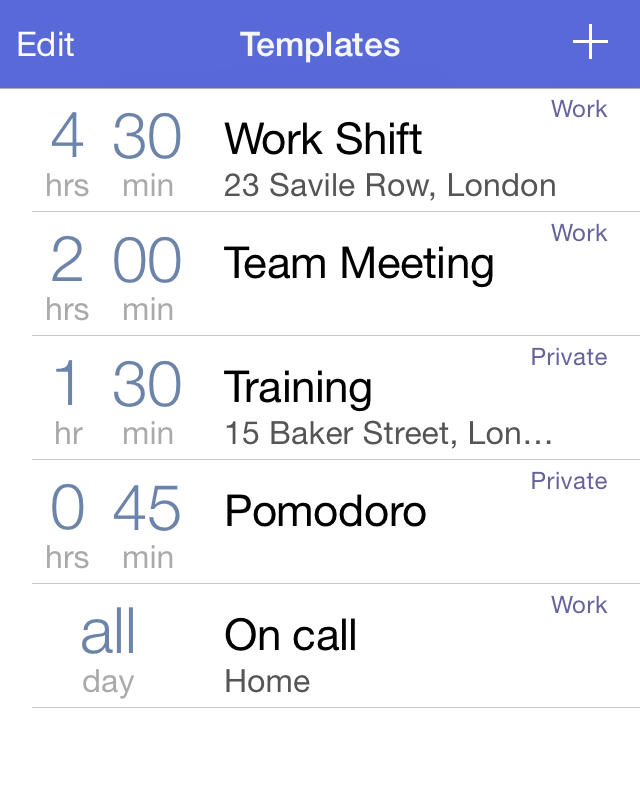
2. Paste
Stop wasting your time creating the same events again and again. Use your Templates and Paste Your Time!
3. You’re done.
Events are put into your iPhone or iPod Touch calendar and behave like any other event!
What the interwebs are saying about Calendar Paste …

Calendar Paste is one of those apps that makes on-the-go productivity a reality.

Calendar Paste is perfect for irregularly recurring events, especially those that don’t belong on your default calendar. While Siri, for me, has largely obviated the need for calendar add-ons, this is one I know I’ll use.

Calendar Paste offers useful features for people who often have similar appointments.

Calendar Paste is perfectly suited to those events that keep cropping up, but not so regularly that you can set a repeating calendar item to keep track of them.

Calendar Paste can make the simple task of creating an event even simpler. It doesn’t replace your current calendar system; it just enhances it.

Calendar Paste makes scheduling a breeze, click and go. This has been a great asset to me when scheduling guests for Mac Power Users.
The Event Template Builder
Calendar Paste 3 is an event template builder for iPhone/iPod Touch/iPad so you can organize recurring events painlessly.
With it you will:
- Save time creating irregularly recurring events like shift work,
- Prepare calendar event templates to stop repeating yourself,
- Set-up your Pomodoro work sprints, or
- Quickly create events with odd durations.
Did you wonder why Apple’s built-in Calendar app has no Copy & Paste? We certainly did! And this app is here to help you enter events more quickly.
With Calendar Paste for your iPhone or iPod Touch, you can prepare Events which recur irregularly. It helps busy people quicken and ease the pain of scheduling events in the calendar.
Paste your events into your Calendar as often as you need at the time you choose.